Approval in the LumoAuth app
What a person sees on their phone when they sign in with push or when an agent asks for approval, and what the sign-in page shows while it waits.
Hosted pageReady
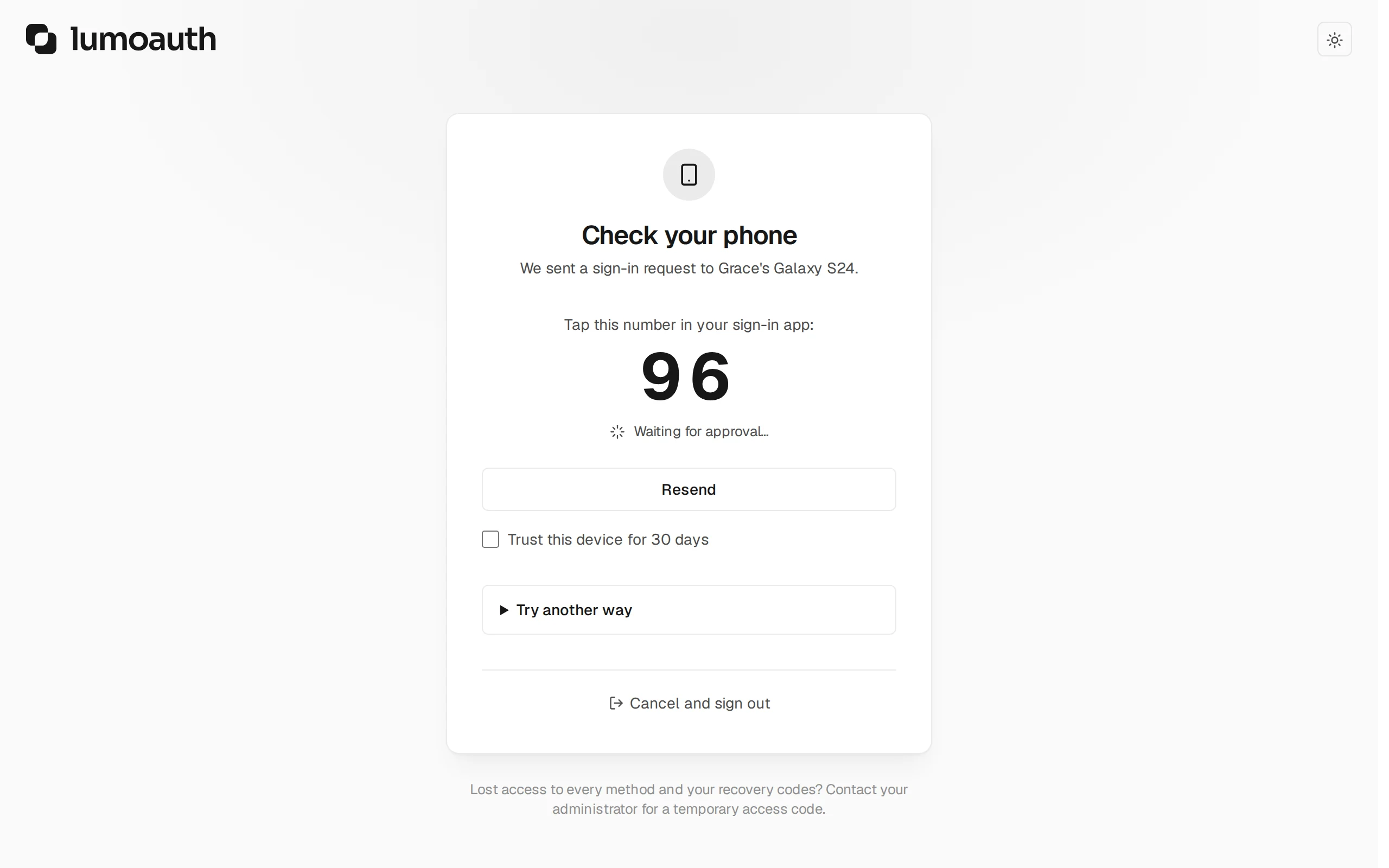
The first view is the web page. The other three are screens of the phone app.
What the screens do
Sign-in
- The sign-in page shows a number from 10 to 99, and waits.
- The phone shows a notification. In the app, the request names the organization, the account, the time and the browser.
- The app shows three numbers. The person taps the one that is on the sign-in page.
- A wrong number counts as a denial. "Deny – this wasn't me" also tells the person by email that someone may know their password.
The number is always required. It stops an attacker who sends requests and hopes that the person approves one without looking.
An agent asks for approval
The request says which agent asks, for whom it acts, the action in the words that the agent sent, and the impact level. The person approves or denies before the timer ends. These requests have no number, because there is no sign-in page to compare with.
What you can change
| Setting | What it changes | Docs |
|---|---|---|
| Push as a method | Whether people may add the phone app, and whether it is required. | Push authentication |
| The text of an agent request | The agent sends the reason, the impact level and the detail. | Push approval for actions |
| The name of the app on the sign-in page | With the "Secured by LumoAuth" badge off, the page says "your sign-in app". | Badge |
When a person sees it
- At sign-in, as the second step or in place of a password, after they added the app on their account pages.
- When an application asks for a stronger sign-in before a sensitive action.
- When an agent that acts for them calls for approval. The recipe Ask the person on their phone has the code.
Limits
- A person can receive 3 sign-in requests in 5 minutes. After that, the page asks for another method.
- Two denials within 10 minutes pause push sign-in for that person for 30 minutes.
- An agent can send 10 approval requests in 5 minutes for one person.